Your story is everywhere
Lore, character sheets, drafts, and references live in different tabs—and the links between them disappear.
Built for creators with worlds to finish
Inkori connects story development, characters, canon, chapters, and manga production—so your world can move forward without losing what makes it yours.
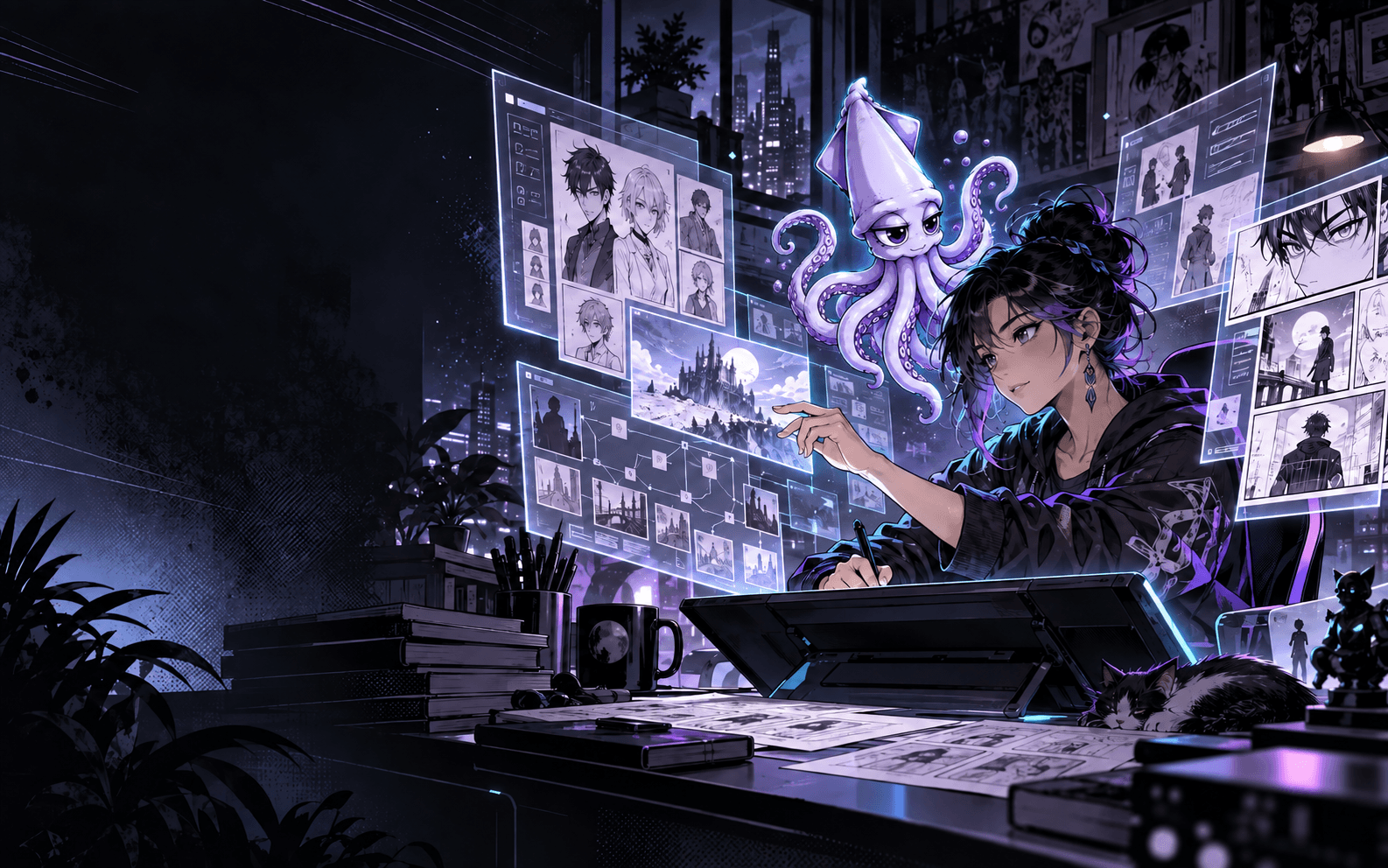
The creator bottleneck
Great worlds become hard to manage before they become ready to share. Inkori turns fragmented creative work into one connected production system.
Lore, character sheets, drafts, and references live in different tabs—and the links between them disappear.
A changed power, timeline, or relationship can quietly break three chapters downstream.
Turning a story beat into a page, panel, or production brief becomes a second project.

The production loop
Choose a step below. The preview changes so you can see how Inkori moves your project forward.
Mika finds the frequency hidden in the rain.
Kai arrives three minutes too late.

Four ways to create
Begin in the format that fits today. Your characters, canon, and decisions stay available as the work evolves.
Explore premises, scenes, character arcs, and the emotional spine of your world.
Develop long-form chapters while Kori keeps character and canon context close.
Shape page-by-page pacing, visual beats, and concise narration together.
Direct page turns, panel rhythm, dialogue, composition, and chapter handoff.

Your guide through the work
Kori is the creative intelligence inside Inkori—not a replacement for your voice, but a production partner that remembers the world, asks the useful question, and points to the next move.
Before Kai arrives on the rooftop, should we resolve the tunnel delay established in Chapter 03?
Keep the delay. Move his arrival to the next page and let Mika face the signal alone.
Done. I preserved the timeline and flagged a stronger page-turn reveal.
Give characters and visual assets a consistent reference system across every scene.
Keep lore, cast, locations, relationships, rules, and project decisions connected.
Catch contradictions before they become expensive rewrites or broken chapters.
Turn creative decisions into clean, useful handoffs for the next production step.

Simple plans, flexible production
Every plan includes monthly INK for assisted creative actions. Need a sprint? Add an INK pack without changing tiers.
Start a world and learn the workflow.
Start freeFor independent creators moving from idea to finished pages.
For higher-volume projects and collaborative production.
About Inkori
Kori's hand. Guards the work (never draws it.)
Your hand. Every panel, every line, still yours.

I've watched a lot of anime. Somewhere in there it turned into more than watching, it turned into picking up manga, comic books, and then books in general, and that's what sparked the writing ideas. Only problem, I couldn't draw. What I wanted was a place where writers and artists could actually build stories together, without either one of them having to hand over their IP to do it.
I was already writing Only Gloves when I met a guy at my job who could draw. We tried to make the story together, and it was difficult to say the least. We were passing chopped-up notes and half-finished drawings back and forth, trying to hold the whole scene in both our heads at once with no shared way to see it. Two people, one page, no shared language for where the story ended and the art began. That friction is what became Inkori.
At first I just built it to solve my own problem. Then it hit me, what if this doesn't just help me? What if it could help other writers and artists stuck in the same spot?
Fourteen years in a warehouse taught me how to finish things nobody was watching. I taught myself to code so a writer and an artist (or one person doing both) could actually work towards progress without losing the story in the process.
Kori, the AI inside Inkori, works the same way I do: it reads your pages, catches the moments where your story breaks its own rules, and never writes a single line for you.
Inkori is built and run by one person, out of Brooklyn... still finishing the story that started it.
Private beta applications are open
Join beta is your creator application—not a mystery button. It opens a short form for your email, creator type, current pain point, and preferred next step.
No payment required. No spam.

Good questions
Your world is waiting